
Dental Models
Physical models created from digital geometry for laboratory handling, review and downstream model-based work.
YIDIMU · ETERNAL SERIES · DENTAL LAB WORKFLOWS
A 10.1-inch 14K resin 3D printer for professional dental laboratory model workflows, from digital file preparation and resin matching through printing, washing, complete drying, UV post-curing and final inspection.
Dental-use boundary: printer capability and image resolution do not establish the intended use, biocompatibility or regulatory suitability of a resin. Material-specific documentation and validated post-processing must be reviewed for the intended task.
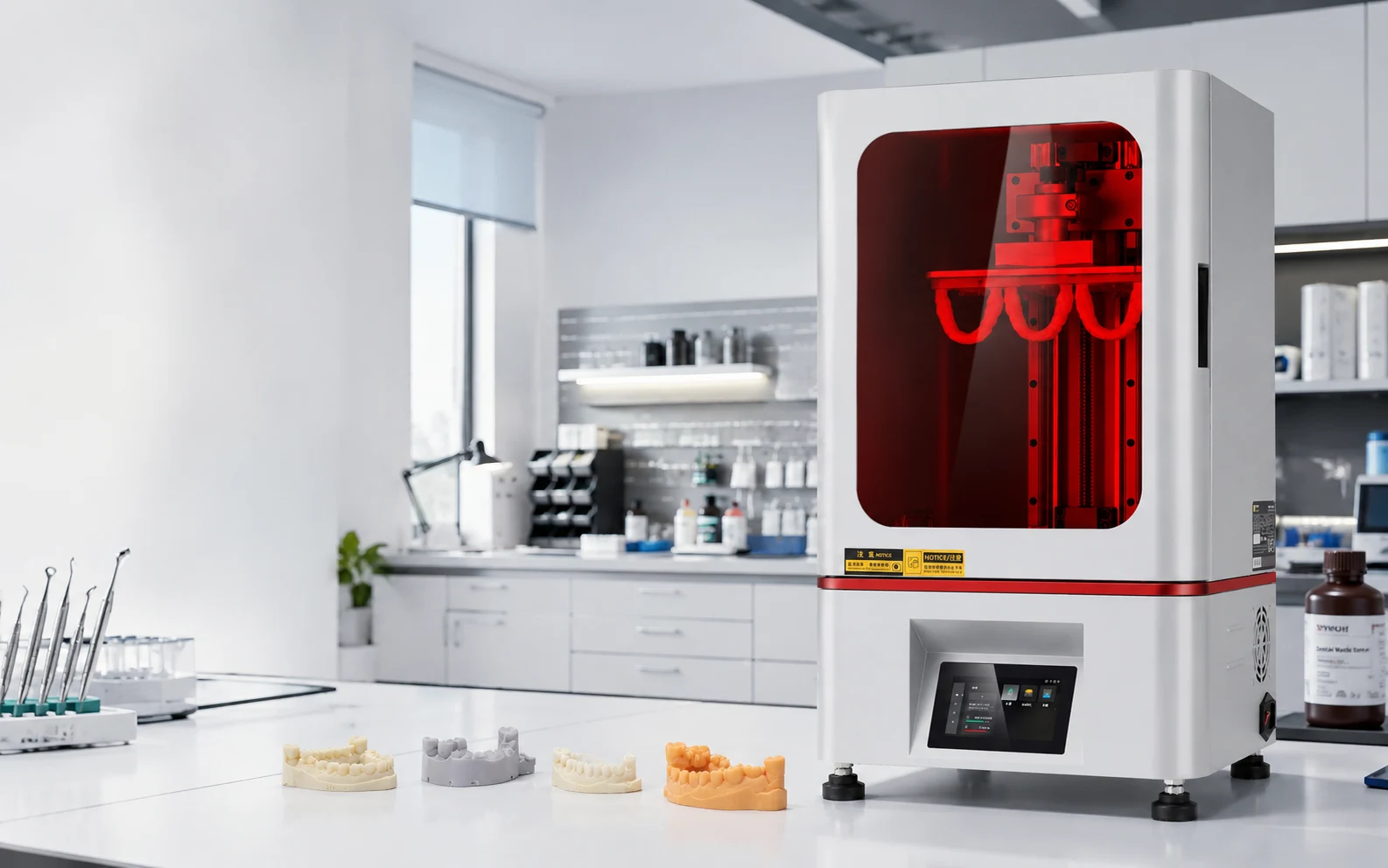
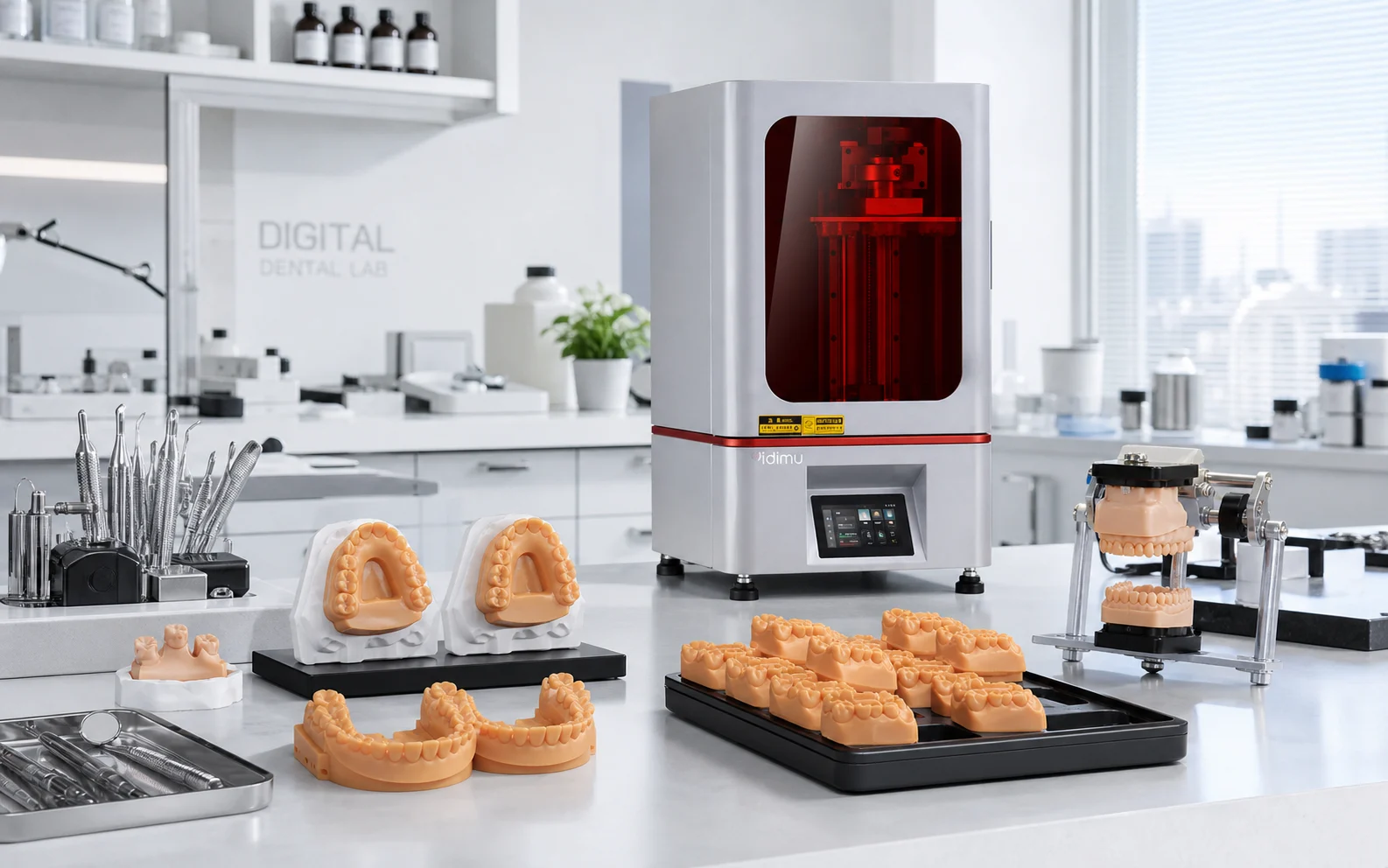
Evaluate geometry, resin behavior, support strategy and the finished post-processed model together.
BUILT FOR DENTAL LABORATORY WORKFLOWS
The Eternal D1 is positioned for dental laboratory model production where the printer is one part of a larger process. Model geometry, orientation, resin selection, exposure settings, washing, complete drying, UV post-curing, finishing and inspection can all influence the final output.
Working and study models that need clear geometry, controlled processing and practical inspection.
Model-based workflows where arch geometry, base design, orientation and repeatable finishing matter.
Fine model structures for laboratory evaluation without equating screen resolution with clinical suitability.
Multi-model layout planning considered together with downstream washing, drying, curing, finishing and inspection capacity.
REPRESENTATIVE APPLICATIONS
These application categories describe laboratory model production. Any patient-contact or regulated dental indication requires the correct material, documentation and validated process for that specific intended use.
Physical models created from digital geometry for laboratory handling, review and downstream model-based work.
Arch and alignment-related model production where build orientation, base design and finishing consistency should be standardized.
High-detail model tasks that benefit from a fine pixel pitch but still require process validation for dimensional performance.
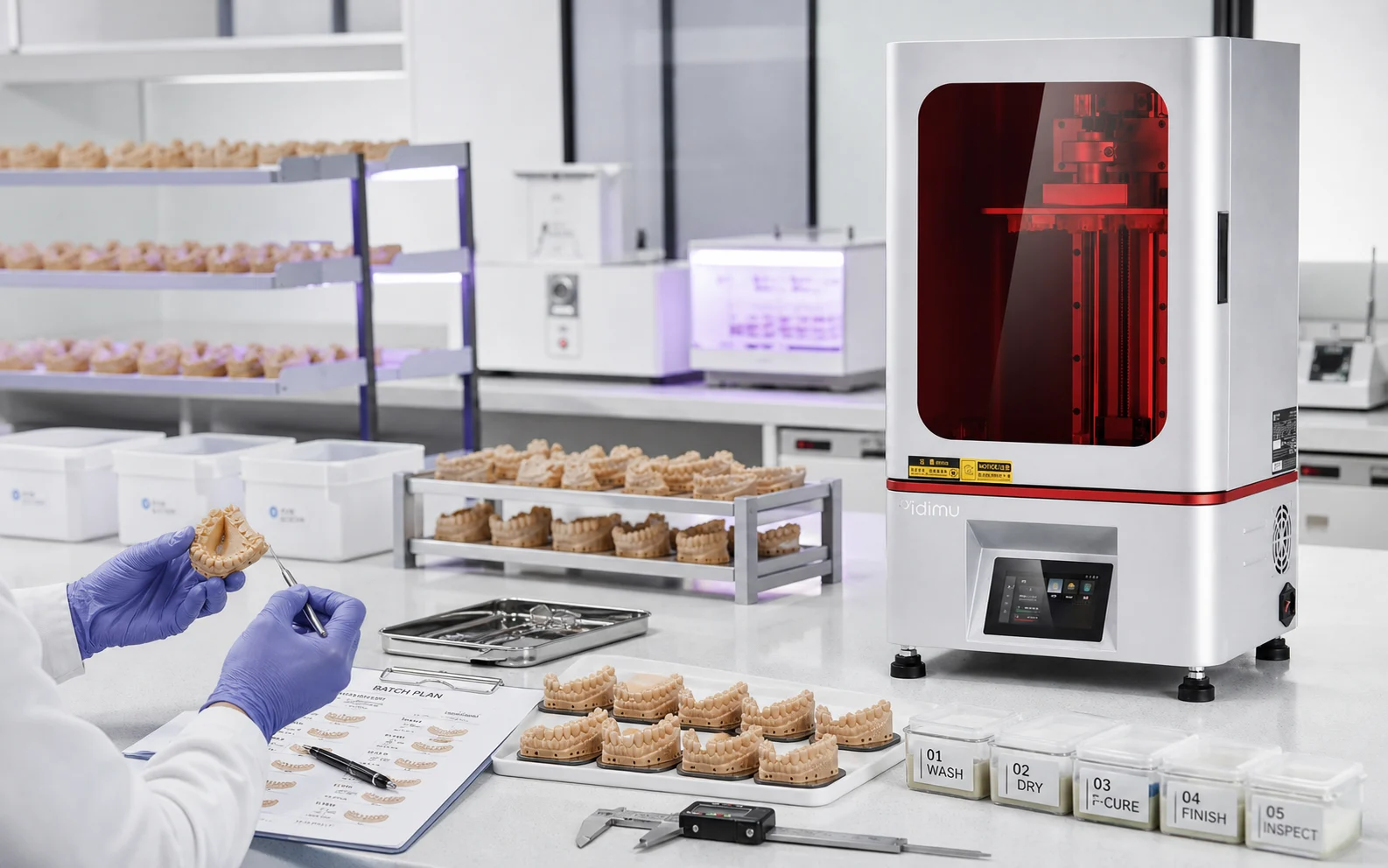
Plan the complete build-to-inspection cycle rather than judging production capacity from a headline speed figure.
LAB CAPACITY
Model count per build, orientation, print time, washing capacity, drying time, curing capacity, support removal, finishing and inspection all contribute to practical laboratory output.
DENTAL WORKFLOW
A dependable laboratory workflow is a chain. Changes in one stage can affect the condition of the model that reaches the next stage.
Confirm model geometry, scale and file integrity.
Set orientation, supports, spacing and layout.
Match printer, resin, task and documentation.
Use validated settings for the selected resin.
Remove uncured surface resin according to material guidance.
Do not move wet or solvent-loaded parts directly into final curing.
Follow the resin-specific validated curing process.
Remove supports and finish surfaces consistently.
Inspect dimensions, surfaces and task-specific features.
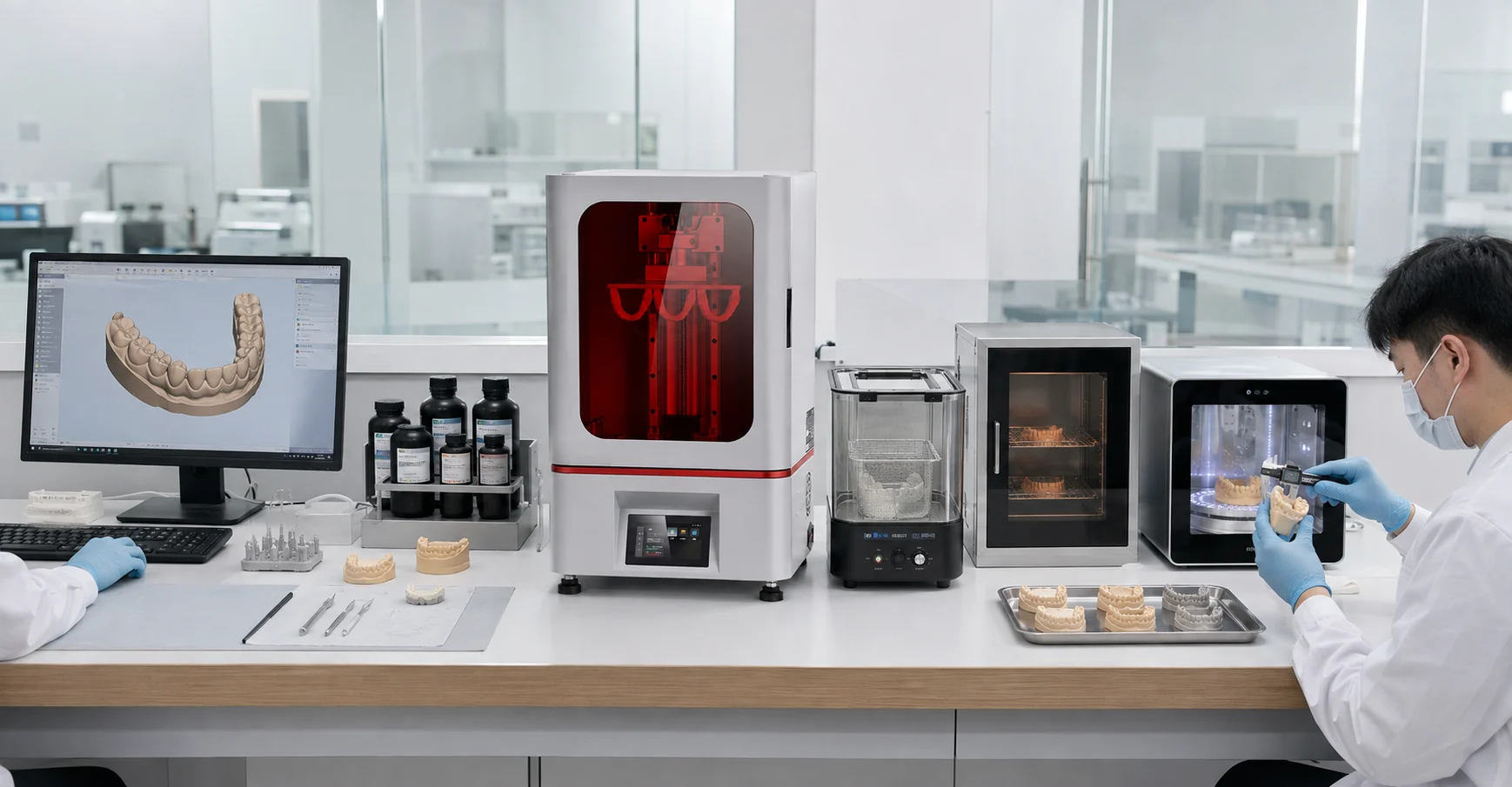
Recommended sequence for evaluation: file → build planning → resin matching → printing → washing → complete drying → UV post-curing → finishing → inspection.
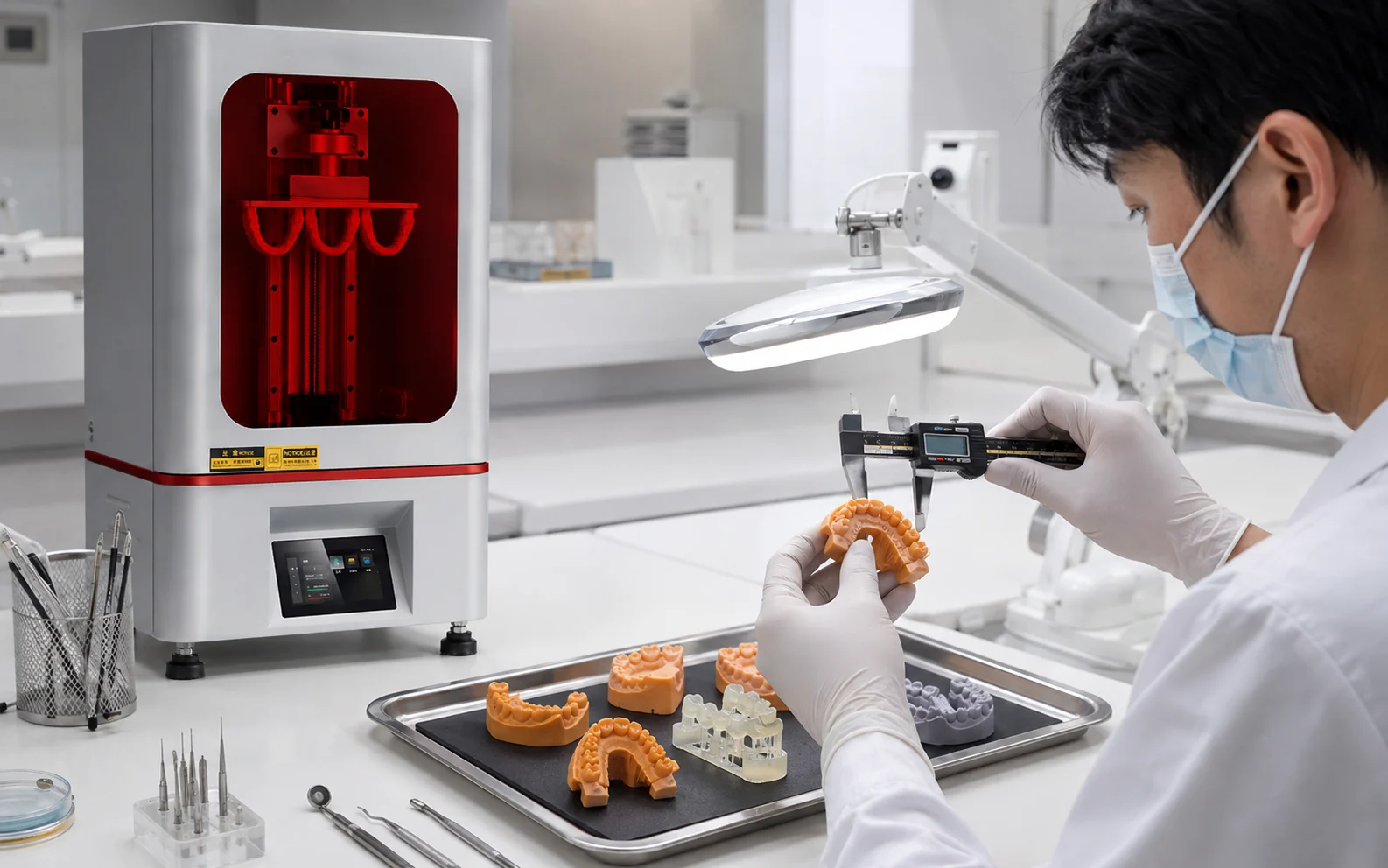
DETAIL & DIMENSIONAL EVALUATION
The 13320 × 5120 screen resolution and nominal X 16.8 μm / Y 24.8 μm pixel pitch describe the imaging system. They do not, by themselves, define the dimensional accuracy of a finished dental model.
Describes the pixel count of the exposure display.
Describes nominal image-plane sampling dimensions, not a guarantee of finished-part tolerance.
Depends on calibration, exposure, resin behavior, geometry, orientation, supports, washing, drying, UV post-curing, finishing and measurement method.
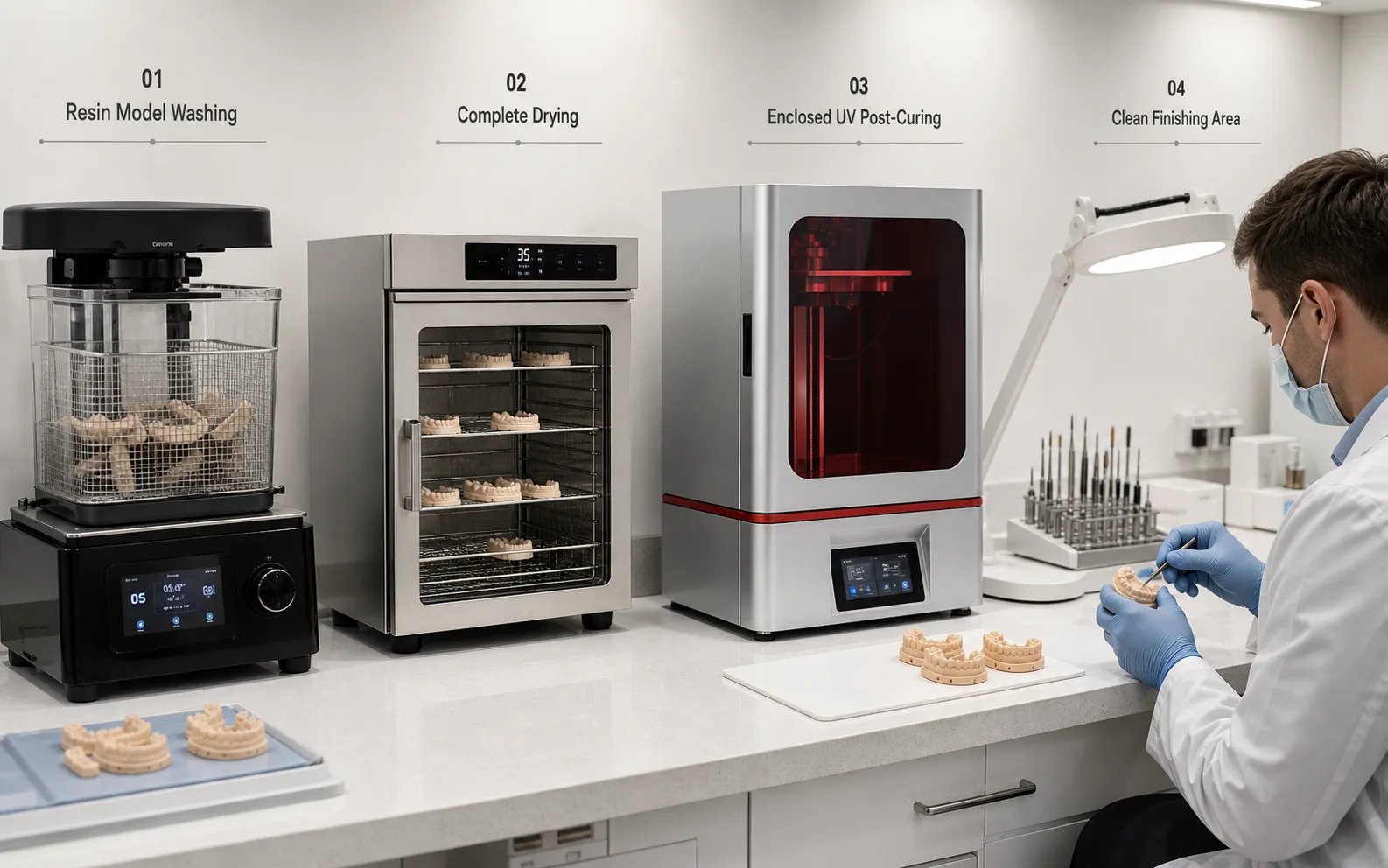
BATCH LABORATORY PRODUCTION
A printer can be idle while washing, drying, curing or inspection becomes the constraint. For recurring laboratory work, assess the balance of every station rather than relying on theoretical print speed alone.
Count representative models per build and account for orientation, spacing and support requirements.
Match washing, complete drying and UV post-curing capacity to the number and size of models leaving each build.
Include support removal, surface finishing, dimensional checks and handling time in the production plan.
SYSTEM FEATURES
The page emphasizes confirmed system characteristics and avoids extending a printer specification into unverified medical, material or treatment claims.
13320 × 5120 screen resolution for fine image sampling across the build area.
A 223 × 126 mm XY build area supports full-arch and multi-model layout evaluation.
Provides vertical capacity for taller model geometries and selected non-dental detailed parts.
Resin compatibility still needs to be confirmed for the printer, exposure profile and intended laboratory task.
Supports standard model preparation workflows before slicing and build planning.
Current reference material lists CHITUBOX and CHITUBOX Pro for preparation of printable jobs.
TECHNICAL SPECIFICATIONS
Only fields supported by the current D1 reference material are included below. Finished-model dimensional performance should be confirmed by representative sample validation.
DENTAL RESIN SELECTION
A resin may cure at a compatible wavelength and still be unsuitable for a particular dental task. Match the printer, resin, documentation, post-processing and intended use before production.
D1 VS Y8
D1 and Y8 serve professional model workflows with different imaging and build geometries. Selection should begin with your representative file, build layout, resin and post-processing requirements rather than a single headline specification.
ETERNAL D1
Fine nominal pixel pitch with a taller 290 mm Z build height.
ETERNAL Y8
Slightly larger XY build area with a 235 mm Z build height.
Compare representative model size, model mix, orientation, units per build, resin compatibility, required finish, post-processing capacity and inspection criteria. A sample build can be more informative than choosing only by resolution.
SAMPLE VALIDATION
Representative files help evaluate geometry, platform layout, resin choice, supports, post-processing and inspection requirements before you commit to a workflow.
WHY YIDIMU
YIDIMU develops resin 3D printing equipment in Shenzhen and supports professional workflows with resin materials, post-processing equipment, sample evaluation and technical communication.
Discuss equipment and material selection in the context of the actual model and intended laboratory task.
Connect washing, complete drying, UV post-curing, finishing and inspection to the printing process.
Use your own file to evaluate geometry, surface condition, model layout and process requirements.
Review company and manufacturing information when assessing equipment for a professional workflow.
Check current service terms, operating resources and support channels for the exact equipment configuration.
Compare D1, Y8, resin and supporting equipment around model size, workflow needs and validation results.
FAQ
Start with dental working models, orthodontic models, detailed laboratory models and multi-model batch workflows. For any material-specific or regulated dental indication, verify the exact resin, intended use, documentation and post-processing requirements separately.
No. Screen resolution and pixel pitch describe the imaging system. Finished-model dimensions also depend on calibration, exposure, resin behavior, geometry, orientation, supports, washing, complete drying, UV post-curing, finishing and measurement method. Validate representative models after the full process.
No universal compatibility claim should be assumed. Confirm current printer-resin compatibility, exposure settings, the intended laboratory task, supplier documentation and the required post-processing process before use.
That cannot be determined from printer resolution or visual detail. Direct intraoral use depends on the specific material, its documented intended use, validated printer-material process, required washing and curing procedure, and applicable regulatory requirements. Use only material and workflow documentation that supports the exact intended use.
Use a representative model, document the orientation and build layout, use the selected resin with controlled settings, complete washing and drying, UV post-cure according to the material process, finish the model, then inspect the critical dimensions and surfaces in the final condition.
Yes. Share the STL or OBJ file, model dimensions, expected quantity, resin requirement, important features and your current workflow so the printing and post-processing requirements can be reviewed together.
D1 uses a 10.1-inch 14K 13320 × 5120 imaging system with a 223 × 126 × 290 mm build volume. The current Y8 page lists a 10.3-inch 8K 7680 × 4320 system with a 228 × 128 × 235 mm build volume and 29.7 μm stated XY pixel size. Choose by representative model fit, build layout, resin compatibility and workflow requirements rather than resolution alone.
SUBMIT YOUR DENTAL MODEL & WORKFLOW REQUIREMENTS
Send the model file, dimensions, model mix, expected quantity, resin requirement, important inspection features and current post-processing setup for a project-focused D1 evaluation.