
Physical resin models for laboratory review, production planning and model-based workflows.
Digital Dental Production
Dental Resin 3D Printers for Laboratory Workflows
Compare YIDIMU Eternal Y8 and Eternal D1 for dental model production, orthodontic model workflows and controlled resin printing from build preparation through final inspection.
- Dental models
- Orthodontic models
- Batch model production
Fine DetailReview small geometry and model features.
Build LayoutPlan orientation and practical model nesting.
Repeatable ProcessingKeep preparation and handling controlled.
Resin MatchingSelect materials against documented compatibility.
Post-ProcessingWash, dry and post-cure in a defined sequence.
InspectionCheck finished models before release or use.
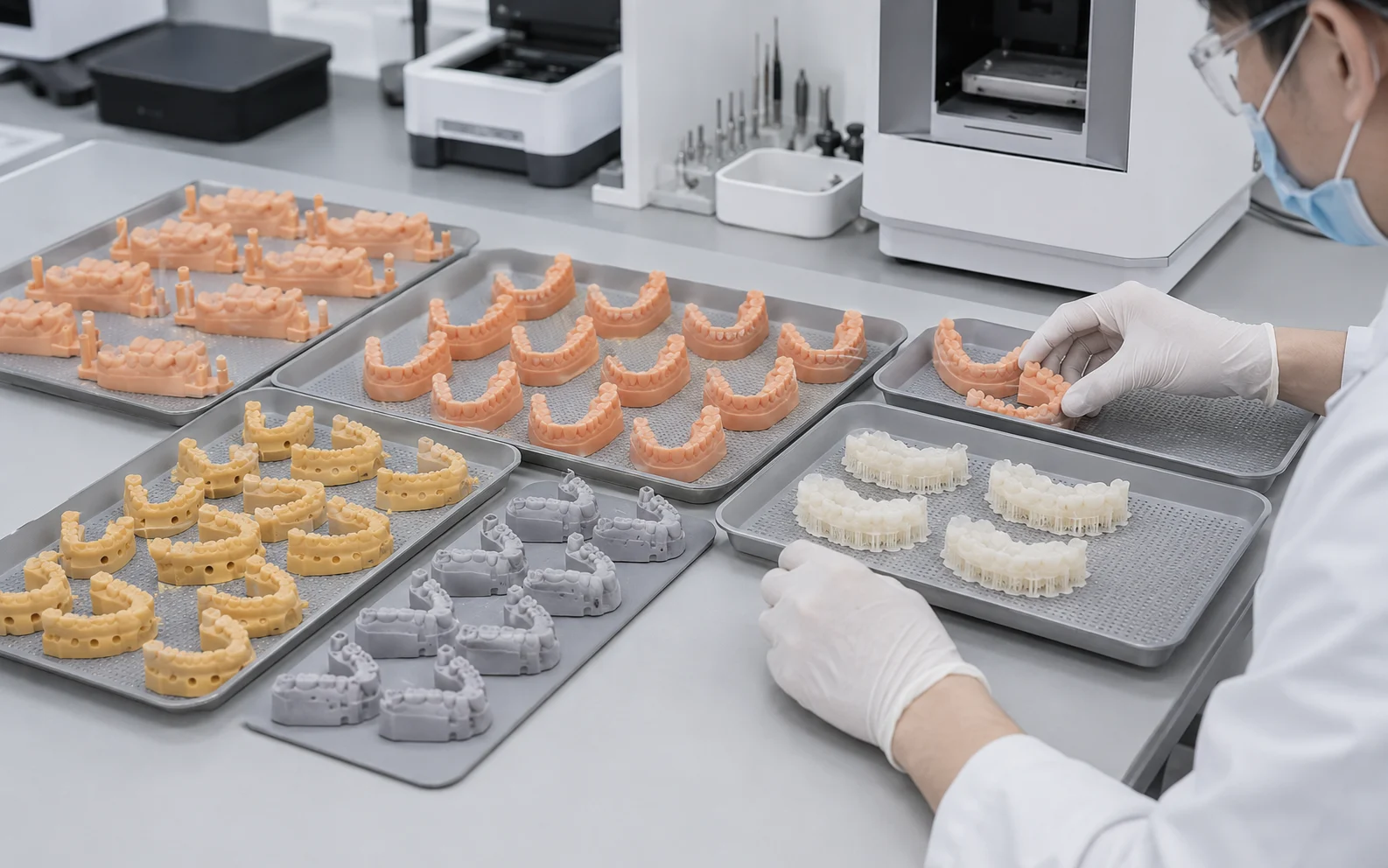
Production Planning
Plan Around the Entire Model Workflow, Not Print Time Alone
Practical dental-lab capacity depends on more than the printer cycle. Model count per build, orientation, build height, washing, complete drying, UV post-curing, finishing, inspection and staffing all affect how work moves through the lab.
- Review representative dental files before estimating a workable build layout.
- Compare throughput using the same model type, orientation and post-processing assumptions.
- Separate theoretical printer speed from the complete production cycle used by your team.
Y8 vs D1
Compare the Printer Role Against Your Actual Dental Work
Eternal Y8 and Eternal D1 are YIDIMU dental resin 3D printer options. Exact model-specific specifications and resin compatibility should be confirmed from current product documentation before selection.
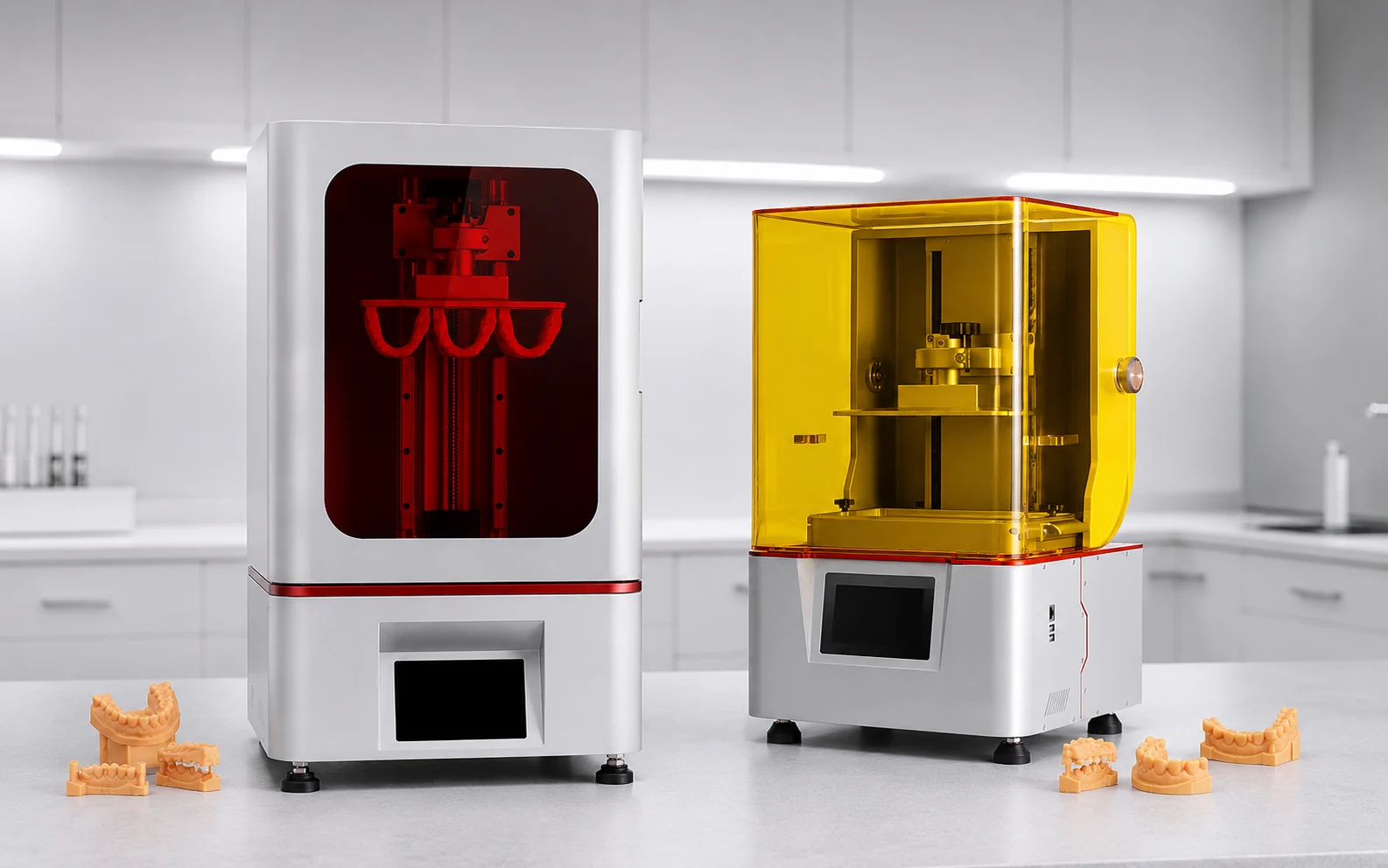
Decision Point
Eternal Y8
Eternal D1
Workflow focus
Evaluate against your dental model mix, build planning needs and current lab process.
Evaluate against your dental model mix, build planning needs and current lab process.
Files to compare
Use representative dental or orthodontic model files rather than generic benchmark geometry.
Use the same representative files so layout, detail and workflow can be compared consistently.
Material decision
Confirm resin compatibility for the exact printer, material and intended laboratory task.
Confirm resin compatibility independently for D1 rather than assuming compatibility from Y8.
Best comparison method
Compare current documented specifications plus a representative workflow review.
Compare current documented specifications plus the same representative workflow review.
No universal printer choice is assigned here because build requirements, model mix and current product specifications can differ by project and model.
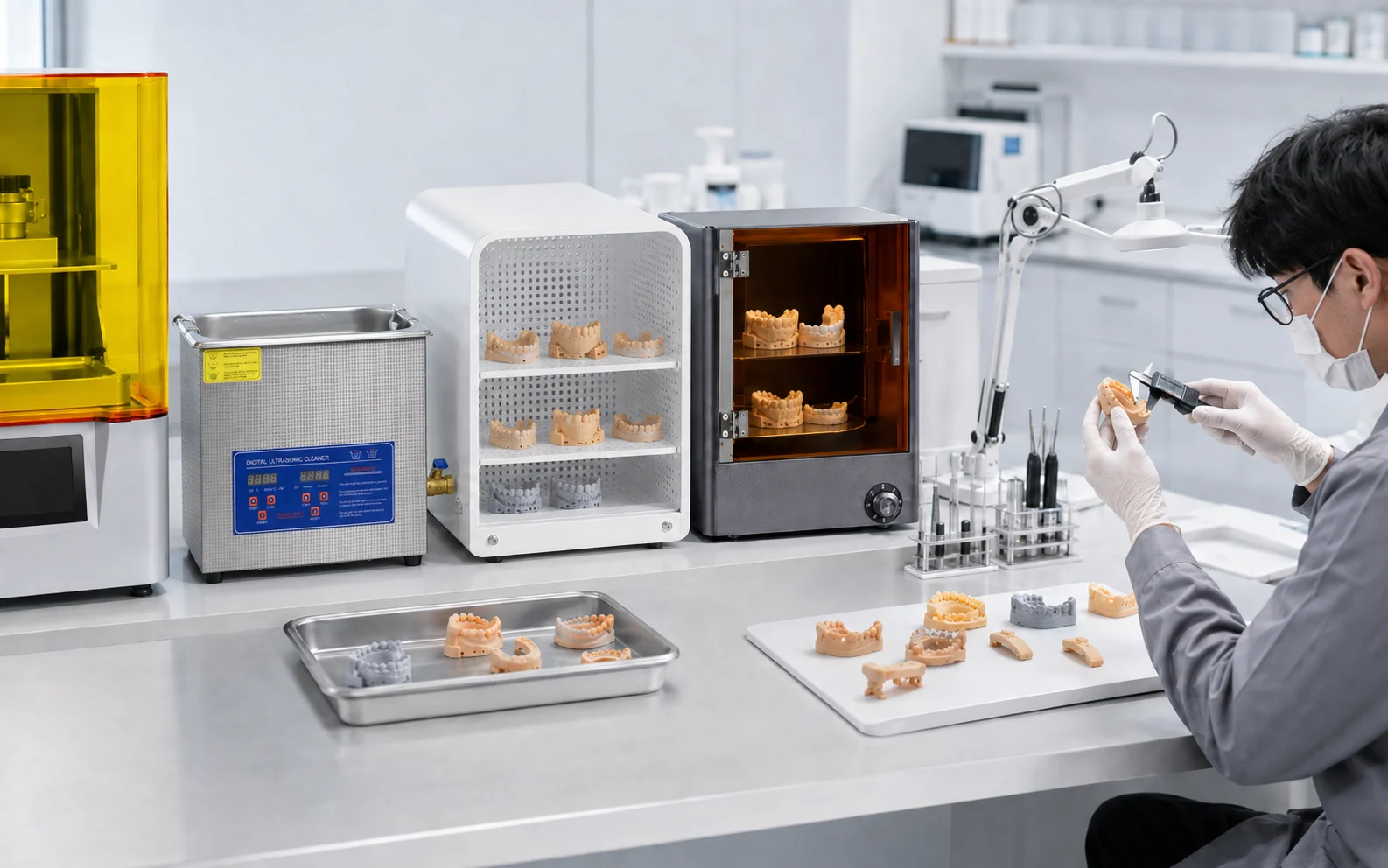
Complete Workflow
Printer, Resin and Post-Processing Work as One Controlled Process
Finished model quality depends on how the complete process is executed. Washing, complete drying, UV post-curing, finishing and inspection should be treated as defined production steps rather than afterthoughts.
- Use resin and processing guidance that matches the exact printer and material.
- Allow washed models to dry completely before UV post-curing when required by the material workflow.
- Inspect the finished model after the full post-processing sequence.
01Digital Model
Prepare a representative dental or orthodontic model file.
02Build Preparation
Review orientation, layout and support strategy for the selected workflow.
03Printing
Run the validated print setup for the selected printer and resin.
04Washing
Remove residual resin using the material's appropriate cleaning process.
05Complete Drying
Ensure cleaned parts are fully dry before subsequent processing.
06UV Post-Curing
Post-cure according to the applicable material process guidance.
07Finishing
Complete normal support removal and part finishing as required.
08Inspection
Review the final model's appearance, dimensions and relevant fit features.
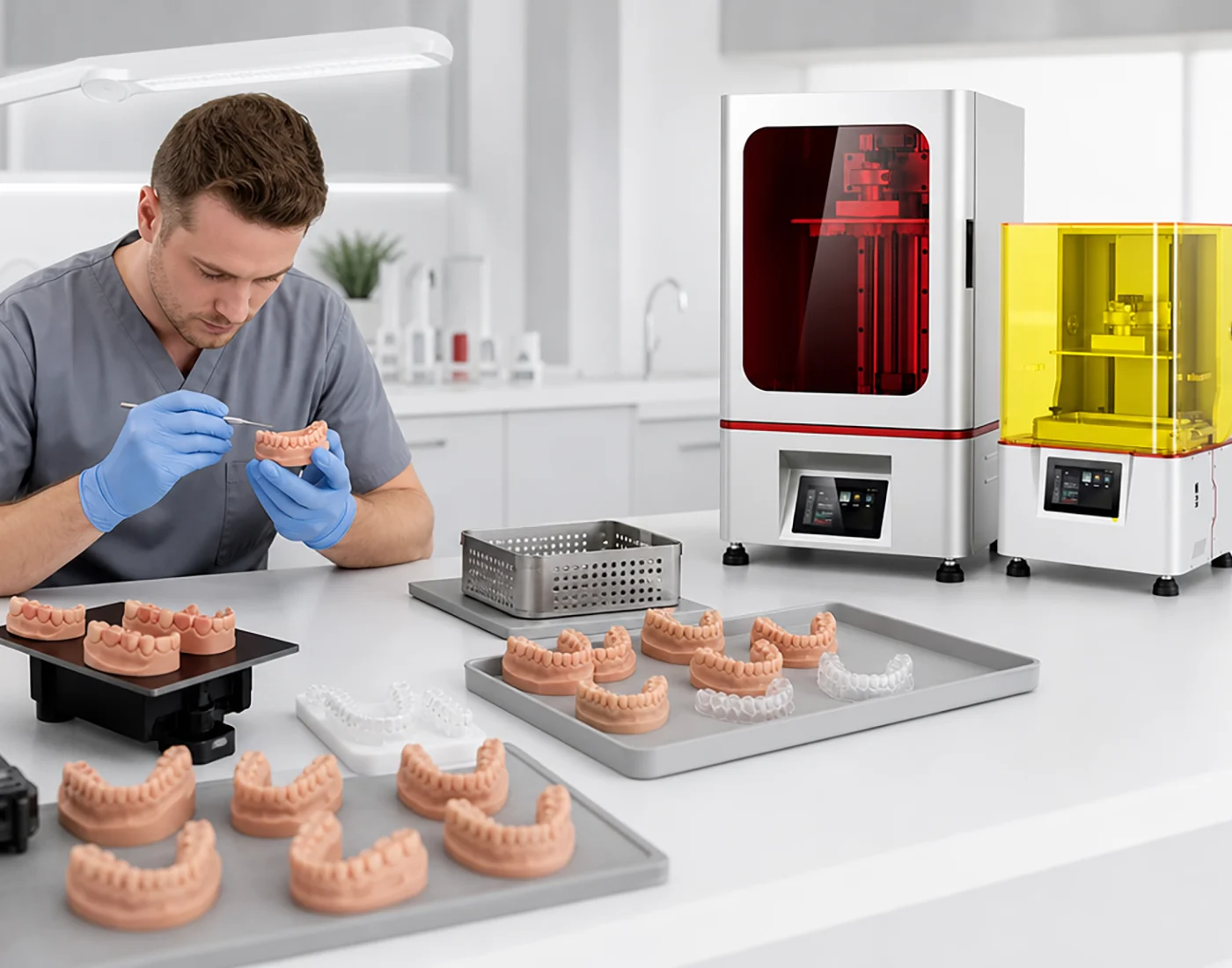
Representative File Evaluation
Use Your Own Models to Discuss Layout, Detail and Practical Capacity
Representative files make the comparison more useful because they show the actual model geometry your team needs to produce. YIDIMU can review project information such as model type, dimensions, material requirement, expected output and quality requirements before discussing equipment and workflow options.
- Review model nesting and layout using real production geometry.
- Discuss critical dimensions, surface expectations and fit-related features where relevant.
- Compare practical capacity using the full process, not a single speed number.
Dental Applications
Professional Resin Printing for Model-Based Dental Lab Tasks
Detailed model production for orthodontic laboratory workflows and repeated model handling.
Fine-geometry parts where surface, edge detail and consistent post-processing matter.
Workflow planning for multiple models per build with repeatable preparation and finishing steps.
Representative-file testing for teams evaluating digital dental production processes and equipment fit.
FAQ
Dental Resin 3D Printer Questions
Which YIDIMU dental printer should I choose?
Start with your representative model files, model dimensions, expected output, resin requirement and current post-processing workflow. The better fit between Y8 and D1 should be determined from current model-specific specifications and your actual production needs.
What is the difference between Eternal Y8 and Eternal D1?
They are separate YIDIMU dental printer models and should be compared using their current individual product documentation. Do not assume that screen size, build volume, resolution, wavelength, speed or resin compatibility are identical between the two systems.
How many dental models can be produced?
There is no single reliable models-per-hour or models-per-day figure for every workflow. Practical output changes with model geometry, build layout, orientation, build height, print cycle, washing, drying, post-curing, finishing, inspection and staffing.
Can I submit representative dental files?
Yes. Representative files are useful for discussing build layout, detail, dimensions, surface expectations, fit-related requirements where relevant, and practical workflow capacity.
How should production capacity be compared?
Use the same representative model type and compare the complete workflow under consistent assumptions. Include print preparation, printing, washing, complete drying, UV post-curing, finishing and inspection.
Which resin should be used?
Select resin according to the exact printer, documented compatibility, model application and required post-processing workflow. Material suitability should be confirmed from current documentation rather than inferred from another printer or resin family.
Evaluate Your Workflow
Evaluate Your Dental Workflow with Representative Files
Share the information that determines your real workflow so YIDIMU can discuss printer, resin and post-processing options against the work you actually need to produce.
- Model type
- Dimensions
- Expected output
- Material requirement
- Current workflow
- Quality requirements